
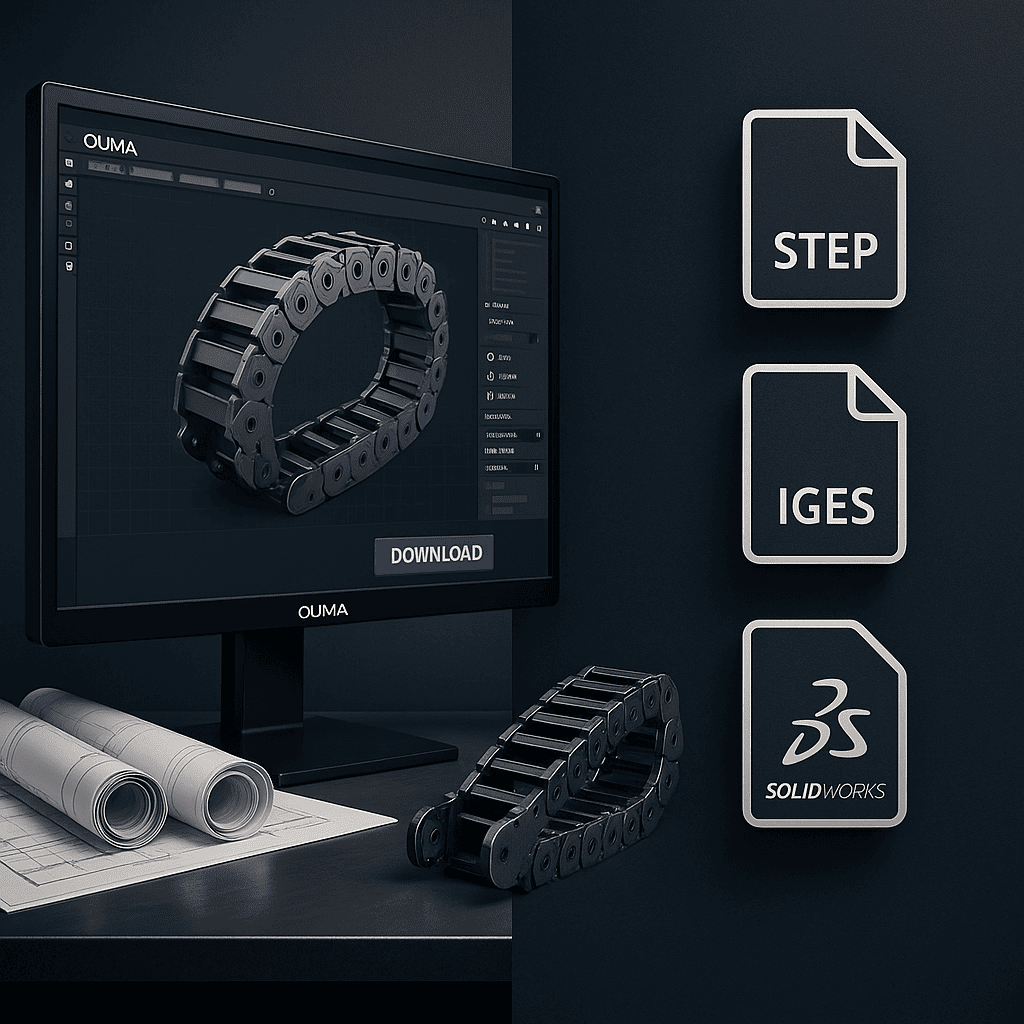
Drag Chain Catalog – Online Viewer
View the complete drag chain catalog online.
It includes series overview, dimensions, mounting details and technical data.
[dflip id=”8458″][/dflip]

System requirements
SOLIDWORKS 2018 or later (SP5.0 or newer recommended for best compatibility).
Installation
Close SOLIDWORKS and any antivirus software before installation.
Right-click OUMA 3D Selector.exe and choose “Run as administrator”.
Complete the installation following the prompts.
Start SOLIDWORKS again – the OUMA 3D Selector icon will appear on the right-hand task pane (below “Custom Properties”). Click the icon to open the tool.
Main functions
Insert
Generate a drag chain model with the selected parameters and insert it directly into the current assembly.
Open
Generate a parametrized drag chain model and open it as a separate part/assembly.
Drawing
For a model created with Open, automatically create engineering drawings in batch.
Batch Drawing Update
For models created with Insert, automatically generate / update engineering drawings in batch.
Component Replacement
For models created with Insert, re-configure the parameters and replace the existing drag chain in the assembly with one click.
BOM Manager
Export a BOM table in your company’s template format with one click.
Settings (gear icon)
Switch to “Public Cloud Mode” to access more free models and resources.